Blender Pro theme installation guide
Required: Blender 5.0 and later
Blender is free and open-source, and the installer includes everything you need to get started.
Installation
After extracting the ZIP file, locate Blender_Pro.xml.
-
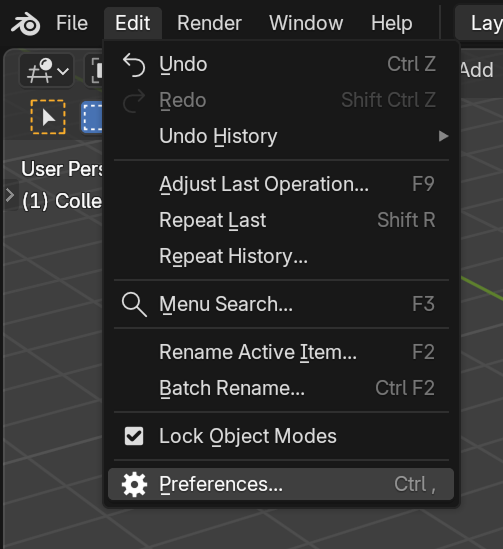
Open Blender and navigate to Edit > Preferences.
-
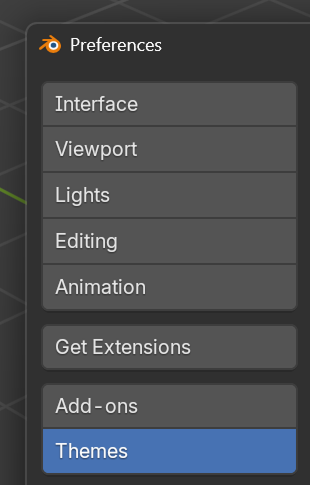
Select the Themes tab.
-
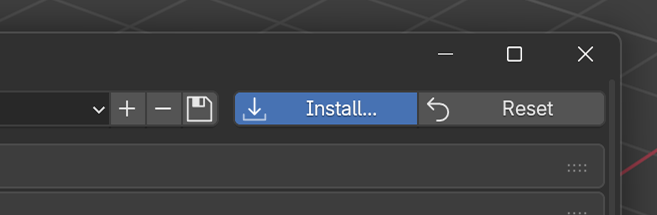
Click Install… and browse to the extracted Blender_Pro.xml file.
-
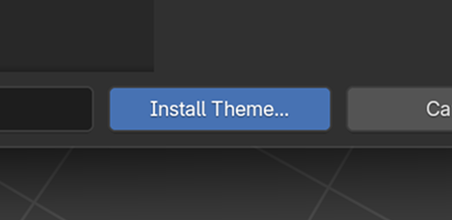
Click Install Theme to apply it.
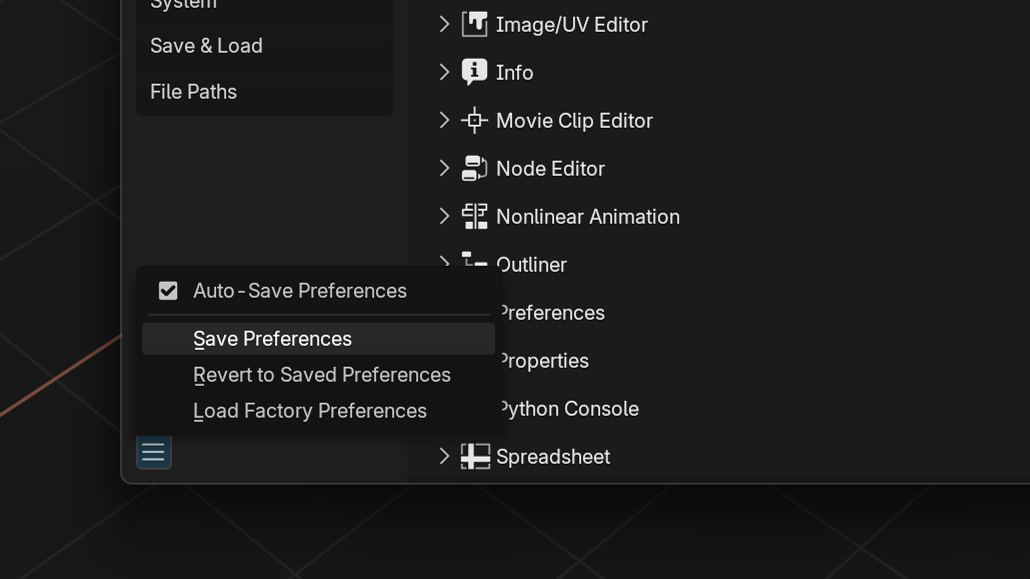
Save your preferences: click the ☰ menu → Save Preferences.
Support the Blender Foundation ❤️
Blender is developed by the Blender Foundation, a non-profit organization. If you find Blender useful, consider supporting its continued development:
Your support helps keep Blender free and open for everyone.